

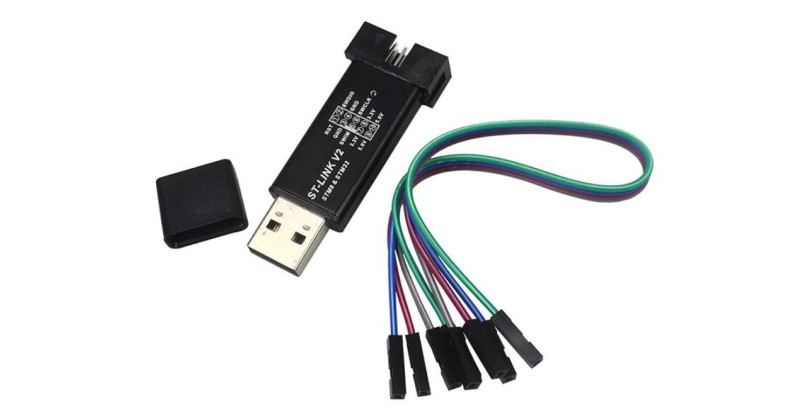
You need ST-Link V2 Programmer
First download the ST link Utility from the following ST Micro site:
https://www.st.com/en/development-tools/stsw-link004.html
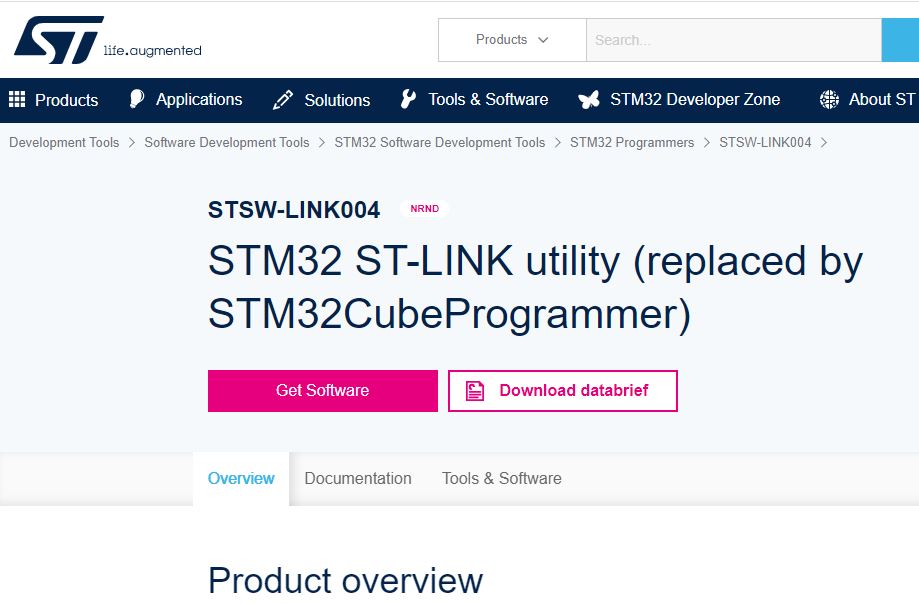
Register yourself and download the zip file.
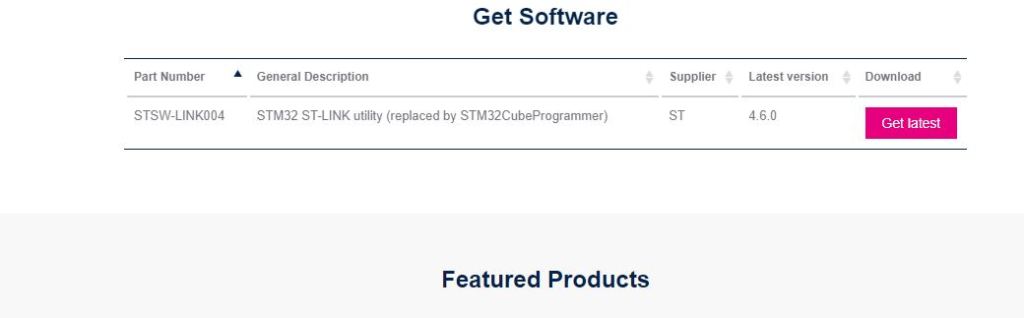
Unzip and install it and launch.
Now, insert the ST-Link Programmer to the USB port.
From top menu, Select: ST-Link -> Firmware Upgrade
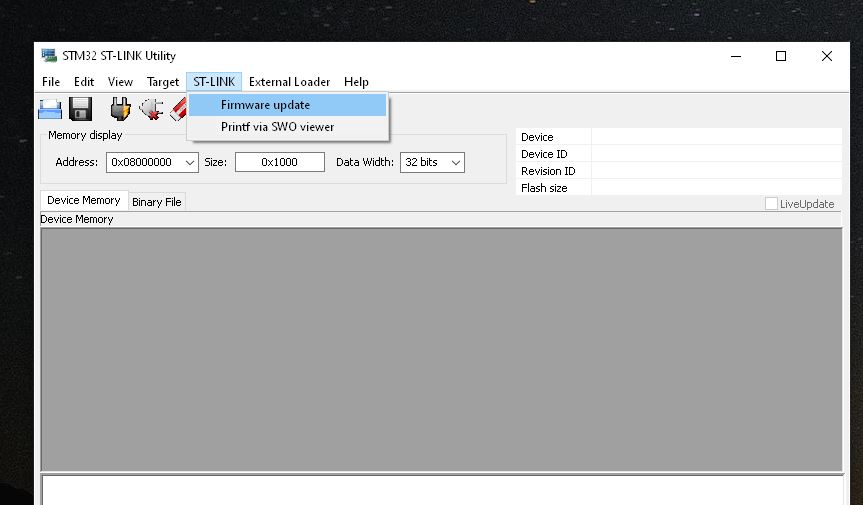
Click on Device Connect button
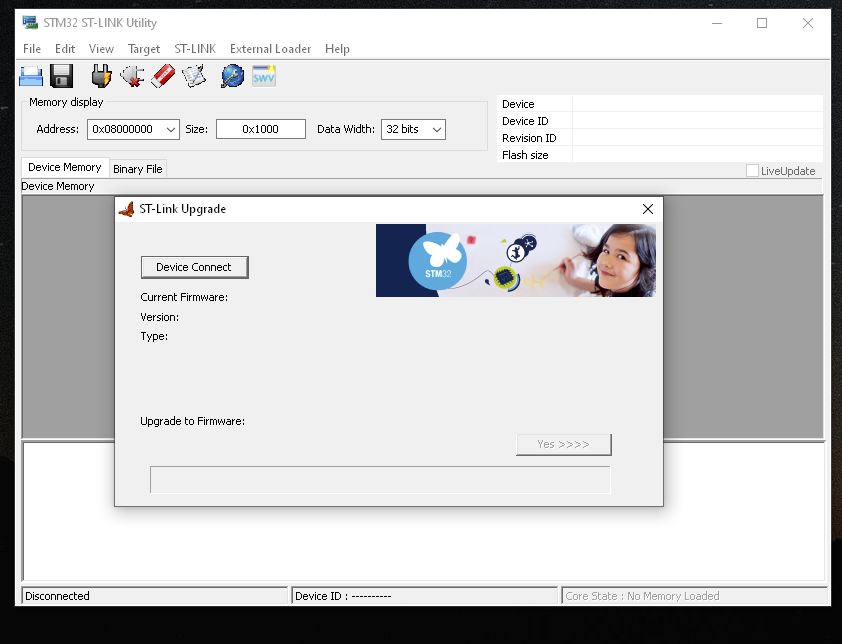
If there is an error message, re insert the ST-Link Programmer to the USB Port.
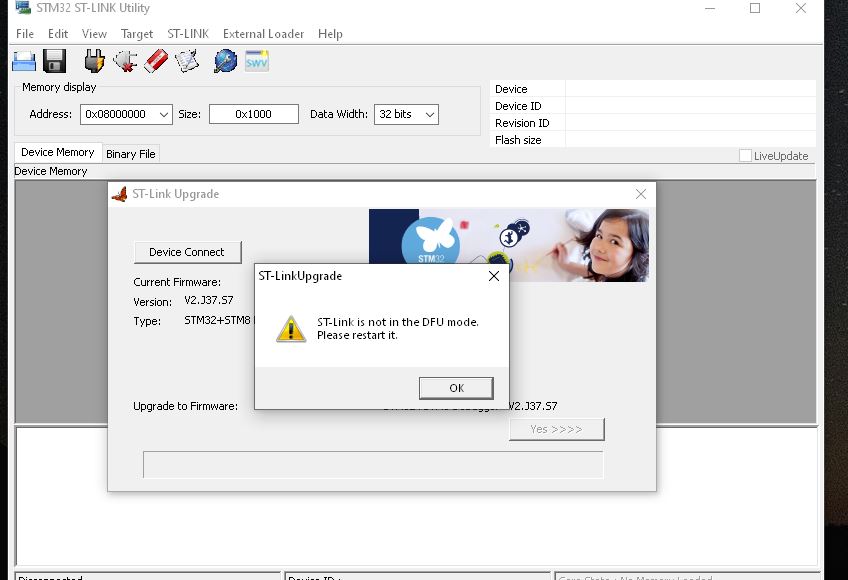
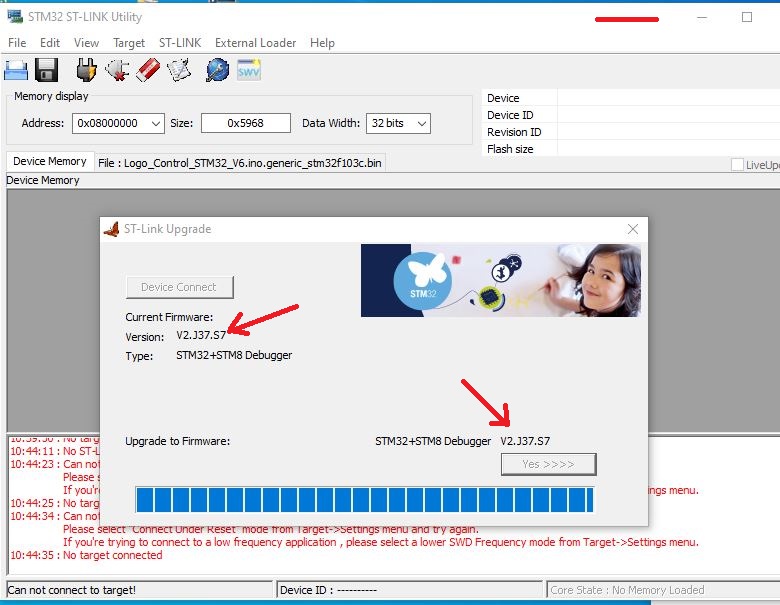
You can see the current firmware version and available new version.
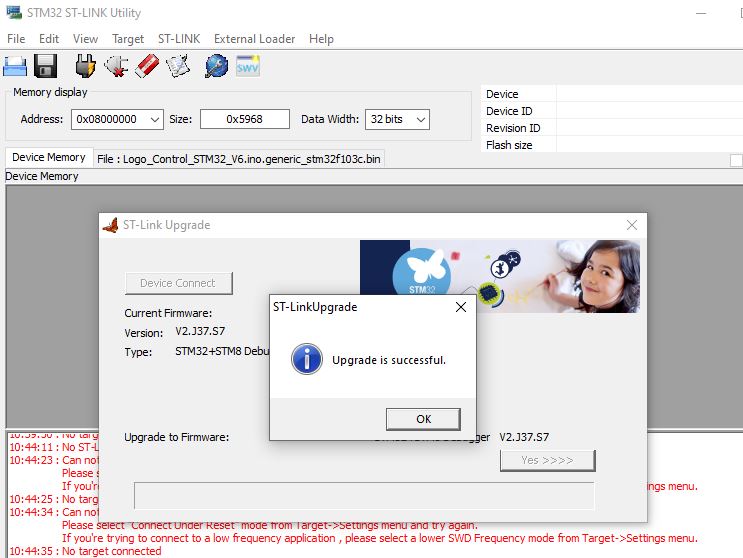
Just click on Upgrade firmware (Yes >>>)button.
 AMP Tech-Articles
Leave a comment